Google Shopping in the Baltics: status and how to prepare
Bottom line: Google Shopping isn't live in Estonia, Latvia, or Lithuania yet. Google announced it for the Baltics in July 2026, then removed the announcement, and at the time of writing it hasn't given a new date. The preparation costs little and doesn't depend on that date: clean product data, euro prices that match your checkout, and delivery and returns settings that match your site.
Here is the short version:
How Google Shopping works
Google Shopping shows products as cards in Google's search results and on the Shopping tab. Each card has a product photo, price and store name, often with delivery cost or reviews, so shoppers see what they'd get and what it costs before they click.
Two things set it apart from text ads in Google Search:
- It runs on your product feed. With text ads, you choose the keywords you bid on. With Shopping, you send Google a feed with your product titles, prices, images and GTINs, and Google matches your products to searches. The quality of that feed decides where your products show up.
- Shoppers know the price before they click. They've already seen the product and what it costs, so the people who click are further along in deciding to buy.
Products can appear for free as organic listings or as paid Shopping ads. The formats section below covers the difference.
Where Google Shopping stands in Estonia, Latvia and Lithuania
In July 2026 Google published an update saying Shopping ads and free listings could target Estonia, Latvia and Lithuania, among 14 markets. Industry press then reported that the announcement had been removed and that the countries had disappeared from the supported-countries table, with no explanation from Google.
Google's CSS programme page tells a similar story. It lists Estonia, Latvia and Lithuania as upcoming CSS markets. It adds that although products and CSS pages can be uploaded for them, they "won't begin serving in these markets until further notice".
Several agencies described a two-wave rollout, with the Baltic states in the second wave before the holiday season. Treat that as a plan that Google has not confirmed. Before you spend on anything, check the supported-countries table in Merchant Center yourself. Google's languages and currencies page is the place to look.
A launch date can move. A clean feed and consistent policies stay useful on any date, so spend your time there first and your ad budget later.
Why Baltic merchants are watching
Baltic shoppers already buy online in large numbers, and Google is where most of them search. The table in the next section breaks the numbers down by country.
There is also a defensive reason. The EuroCommerce 2026 report quotes a local source saying around 40% of parcels ordered by Estonian consumers are cross-border, and about 90% of those come from Asia. Gemius found that clothing and accessories lead cross-border purchases in all three countries, bought on foreign sites by 55% of respondents in Latvia, 45% in Estonia and 25% in Lithuania. Today a foreign retailer can be easier to find than you are. Product listings with local prices and local delivery are one way to change that.
One caution: search share tells you where people search, not how they discover products. We found no reliable Baltic-wide figure for the share of purchases that start on Google.
Country differences at a glance
The Google Shopping setup is the same in all three countries. What changes is how shoppers pay, where parcels go and which local channels you can use while you wait.
¹ Estonian E-Commerce Association. ² OECD market study, 2026, citing Montonio data for payments. The sources measure slightly different things, so compare the direction rather than the exact figures.
Free listings, Shopping ads and Performance Max
Three formats draw on the same product data, so it helps to know which does what.
Google's own guidance is that free listings are organic and need no campaign. They can start showing once your products pass review. Shopping ads need a Shopping campaign in Google Ads, because a product data source alone does not put products into an ad. For Performance Max, you link Merchant Center to Google Ads and create the campaign from your product data. Google suggests running Performance Max campaigns for at least six weeks before judging them, which matters if you plan to launch close to peak season.
What a CSS is and whether you need one
In most of the European Economic Area, Shopping ads and free listings are placed through a comparison shopping service (CSS). Google's list of CSS countries includes Finland and Poland but not yet the Baltics, which its CSS programme page lists as upcoming markets. Expect the same rule to apply once Shopping opens there. By default your Merchant Center account uses Google's own CSS, and you can also pick a CSS partner.
CSS partners say that when ads run through them, your full bid enters the auction instead of Google keeping a margin of up to 20%. Google does not set a standard price. It says some CSSs charge a fee per click, some charge by category and some take a commission on sales. So the "up to 20%" is a possible bidding advantage, not a guaranteed discount.
A worked example shows how to judge an offer. Suppose a partner charges €25 a month and your saving really is 20%. You break even at €125 of monthly ad spend (€25 ÷ 0.20). At €300 a month you would keep €35 after the fee. At €100 a month you would lose €5. Real results depend on the partner's pricing model, so read the terms before you compare.
Small stores with a modest budget can reasonably start with Google's default CSS and revisit the choice once monthly spend is clear.
Prepare your product feed now
Google's product data specification lists seven required attributes for every product: ID, title, description, link, image link, availability and price. The product ID must be unique and no longer than 50 characters. Google strongly recommends a GTIN, the barcode number, wherever your product has one.
Work through this list in order:
- Create a Merchant Center account and verify and claim your website.
- Give every product a unique ID that never changes, even if you rename the product.
- Write titles that name the product plainly, with brand, model and key attribute, and leave out promotional phrases.
- Add GTINs from your supplier data.
- Submit prices in euros and include VAT, since for countries other than the US and Canada Google requires VAT in the submitted price.
- Make the price and availability in the feed identical to the product page and the checkout.
- Check your feed for mismatches every time you change prices.
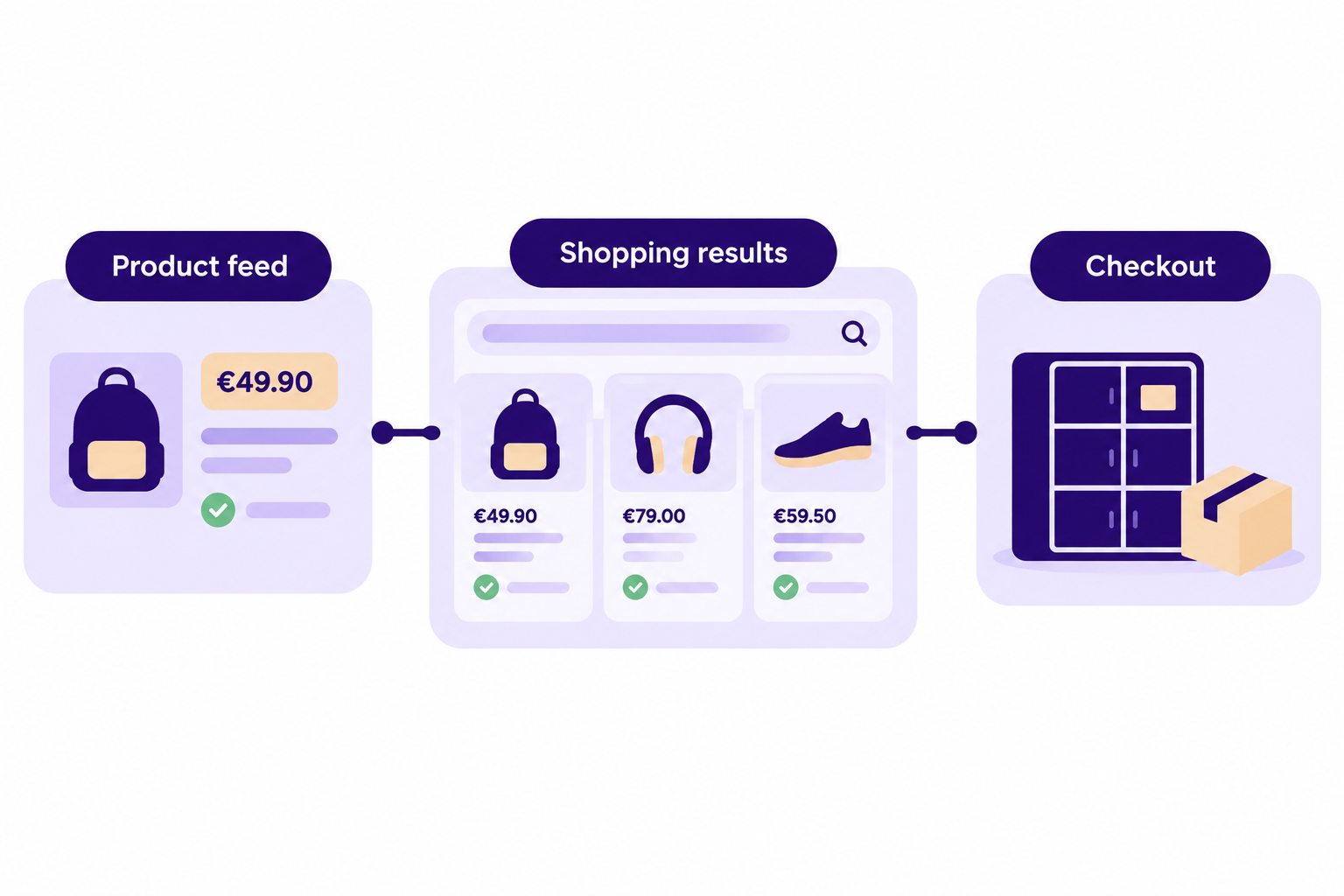
The most common cause of trouble is a mismatch. Google disapproves products when feed data does not match the website, and disapproved products do not show in Shopping ads or free listings. If your shop runs a sale and your feed refreshes once a day, the feed price will lag behind the page price. Refresh the feed more often during campaigns, or use a plugin that updates it when prices change.
Language needs a decision. The language list we reviewed for Shopping ads and free listings did not include Estonian, Latvian or Lithuanian, although Google's separate product sync table lists English plus the local language for each country. Google requires your landing pages and checkout to be in the same language as your feed, so prepare the feed in the language your store runs in. If your store runs in English, an English feed is the simplest start. If it only runs in the local language, you may need to wait until Google confirms support for it.
Match delivery and returns to your checkout
Google compares what you tell it with what shoppers meet at checkout. Three rules matter most in the Baltics.
Parcel lockers count. Google says all advertised products must be available for door-to-door or collection point delivery. You submit the shipping cost for the customer's location, not for a separate collection point, according to its shipping guidance. If you sell mainly through parcel lockers, the locker price should be your headline delivery price in Merchant Center.
Extra fees must appear in shipping. Fees charged at checkout that are not government-imposed, such as handling fees, must be bundled with shipping costs in Merchant Center. Our guide to cutting ecommerce shipping costs covers how to set delivery prices and free-shipping thresholds.
Delivery time is handling plus transit. Google calculates estimated delivery as maximum handling days plus maximum transit days and uses your order cut-off time. A shop that packs orders the next working day should enter one handling day, not zero, because delivery promises that checkout cannot keep lead to complaints.
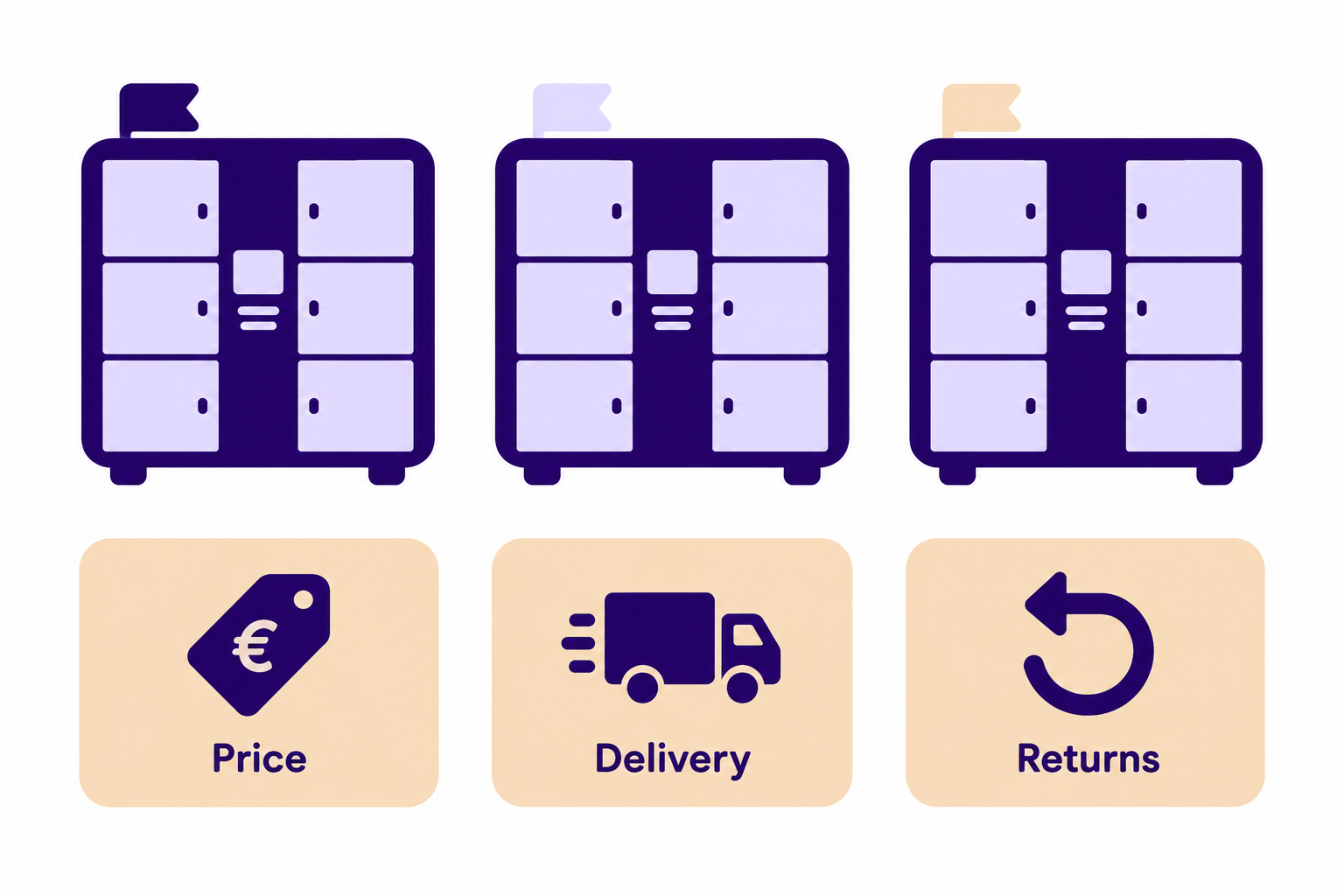
Returns follow the same logic. Google asks you to keep return policies consistent between Merchant Center and your website, for example in the footer and on the returns page, and to state how you handle returns clearly. Our article on how to write a return policy shows what to include. We could not confirm from Google's documents how it treats the EU's statutory withdrawal period when you set the return window, so check your consumer-law obligations with an adviser before you enter a number.
What to do while you wait
You do not need Shopping to advertise products on Google today. Google Search campaigns show text ads to people searching for what you sell, with no product feed required. They suit stores with a small catalogue or a few strong products.
Other routes use the same clean feed. Local price comparison sites accept XML product feeds, and marketplaces let sellers upload descriptions, photos and prices, so tidy product data carries over. The table above lists the main ones in each country. Our article on how to increase ecommerce traffic compares more channels.
Use these rules to decide where to start:
- If your products are easy to compare on price, list them on your country's comparison sites now.
- If you have more than a few hundred products, fix the feed first. Data quality is the part of Google Shopping you cannot buy your way out of.
- If you already ship to Finland or Poland, open a Merchant Center account and test those target countries. Your products and account still need to pass Google's review.
- If your margins are thin, hold your Shopping budget until your country shows up in Merchant Center. Search campaigns still work in the meantime.
When Google Shopping may not suit you
Shopping works best for products that people compare on price and appearance. It is a weaker fit for made-to-order goods, services or products with no stable price. Check Google's Shopping policies for restricted categories. The policies also state that you are responsible for complying with the laws of every location where your ads show.
Budget matters too. If you get 100 to 300 orders a month, a few hundred euros a month of ad spend buys a limited number of clicks. Start with your best-selling, well-stocked products rather than the whole catalogue.
Get your checkout ready for the launch
A Shopping click is only worth paying for if the shopper reaches a checkout that matches the listing, with the right price, the delivery option they expected and the payment method they trust. In all three countries that means direct bank payments next to cards, at least one parcel locker option, and the delivery cost shown before the final step. See our comparison of bank payments vs card payments, and keep the checkout short for shoppers on mobile.
Montonio covers payments and delivery in Estonia, Latvia and Lithuania. Its checkout supports the local banks listed in the table above, alongside cards, Apple Pay and Google Pay. For delivery it connects Omniva, DPD, SmartPosti, Unisend and Latvijas Pasts, either on a Montonio contract or on your own carrier contracts.
Paid clicks make every abandoned payment more expensive. If you run WooCommerce with the Montonio checkout, Payment Rescue emails shoppers who reached payment but didn't finish, with a one-click link to complete the order. It doesn't email everyone who left a cart, and it costs nothing until an order is rescued.