Faster payments, simpler shipping, and a smarter Partner System

May 2026 brings a significant shipping settings redesign, instant Swedbank payments across the Baltics, the general availability of Reports v2, and a host of Partner System improvements. Here's a closer look at everything that's new.
Simpler shipping setup
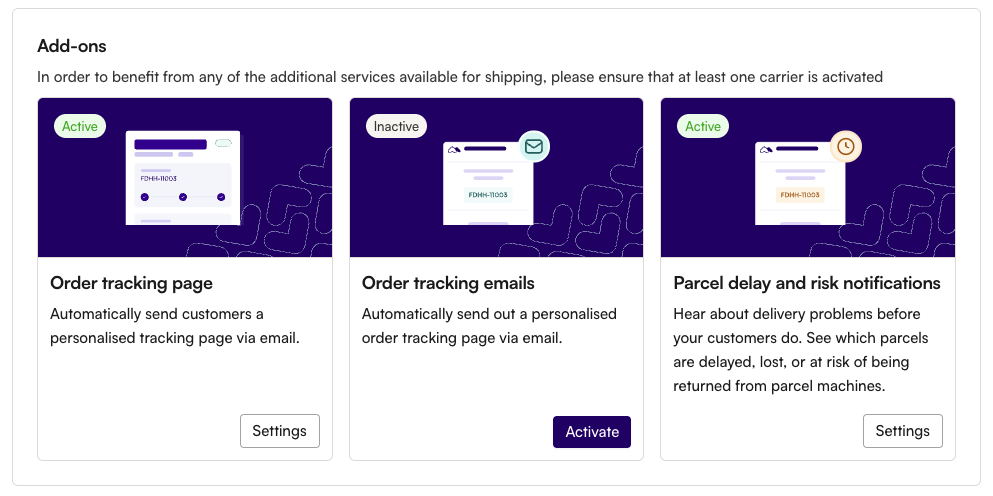
We've overhauled the shipping settings experience in Partner System. The key changes:
- Single carriers view: All your carriers are now in one place, with dedicated tabs for Carriers and Add-ons. No more switching between different sections to manage your shipping setup.
- Streamlined activation: Setting up a new carrier takes fewer steps. The activation flow has been simplified, and you can upload your tracking page logo directly during setup.
- Sender details moved: Your sender address and contact details now live under Store details, keeping carrier settings focused on carrier configuration.
Faster bank payments with Swedbank Instant Payments
All merchants with refundable bank payments have been transitioned to Swedbank Instant Payments. What this means for you:
- Instant settlement: Payments via Swedbank are now processed in real time, so funds arrive faster.
- Cross-border support: Instant payments now cover cross-border transactions between Estonia, Latvia, and Lithuania as well.
This applies automatically – no action needed on your part.
Reports v2 – now available to all merchants
The updated reporting experience we introduced in beta is now live for every merchant. If you tried it during the beta, everything works the same. If you haven't yet, here's what you'll find:
- Combined order and payout data in a single export
- Gross and net amount columns for clearer financial overview
- Improved refund fee display
- Abandoned order tracking
- Payment descriptions for payment links
Your existing export formats remain available during the transition period, so you can switch at your own pace.
Connect your WooCommerce store in one click
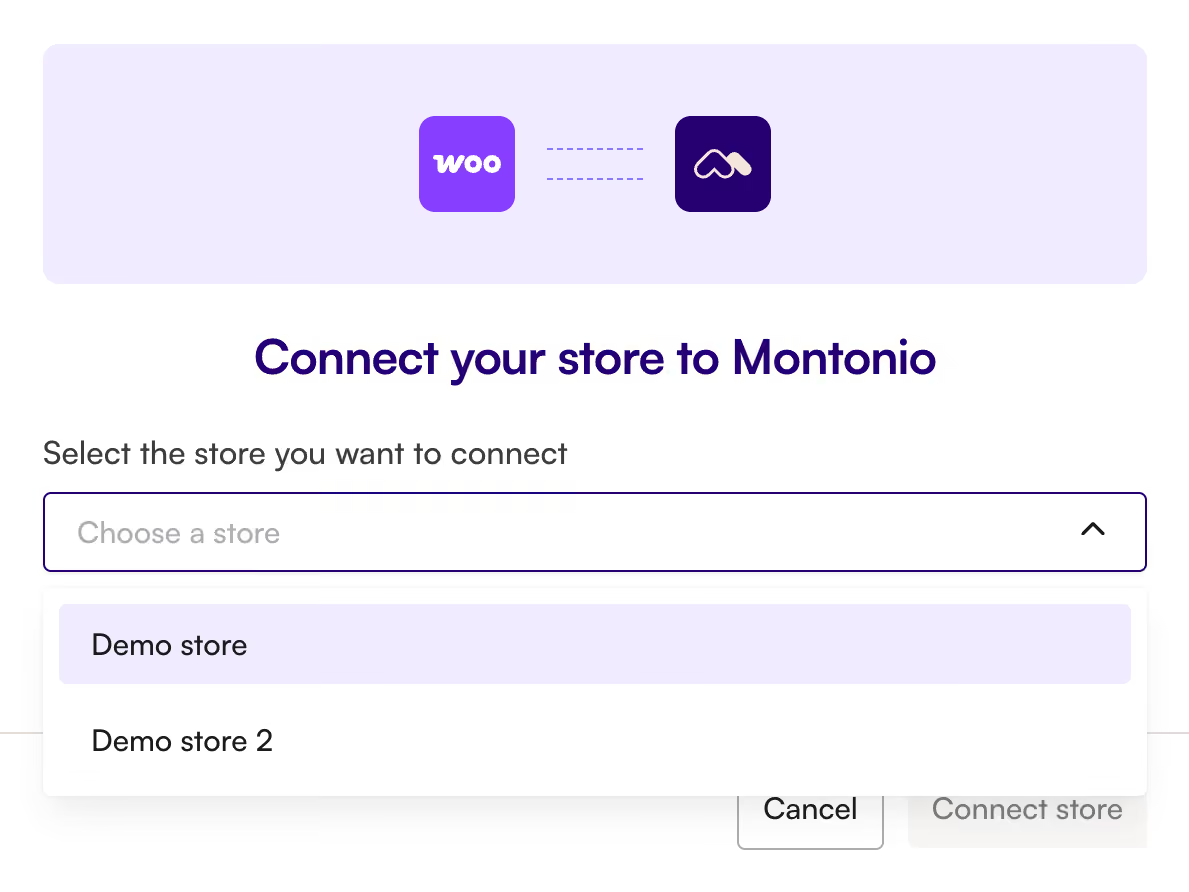
WooCommerce integration just got significantly easier. A new "Connect" button in Partner System links your store directly – no more manually copying and pasting API keys.
Once connected, Partner System also shows your current plugin version and includes a re-sync button for refreshing the connection if needed. You'll find these under your store settings.
Refund confirmation documents
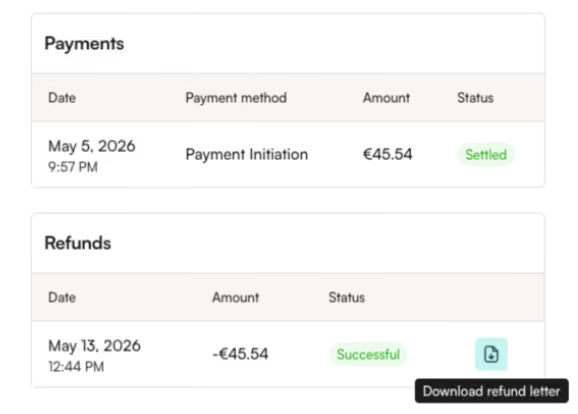
You can now download official refund confirmation letters directly from the order view in Partner System. This works for bank payments, card payments, and BLIK refunds.
We've also made it easier to manage pending refunds – you can cancel a pending refund and access confirmation documents straight from the order side panel, without needing to open the full order view.
Dispute information in Partner System
When a card payment is disputed, you can now see the dispute details directly on the order detail page. You'll find:
- Whether a dispute has been raised
- The dispute reason and creation date
- Your response deadline
- Current dispute status
This gives you immediate visibility into disputes without needing to reach out to support.
Webhook resend
You can now view webhook delivery status (status codes and response text) and resend webhooks for orders directly from Partner System. This is available to account owners and managers.
A detailed guide is available in the Help Centre.
Automated duplicate payment notifications
When a duplicate payment is detected on an order, you'll now receive an automatic email notification. The email includes the order details, a direct link to the order in Partner System, and guidance on next steps.
This currently applies to bank and card payments.
Financing payout reports in Partner System
If you offer financing services and have a single IBAN configured, you can now view and download financing payout reports directly in the Payouts section of Partner System. This gives you clearer visibility into your financing settlements without needing separate reporting.
Got feedback or want help enabling any of the above? Reach out via the chat window on our homepage or email support@montonio.com.
